
Organize Knowledge
the Way It Makes
Sense to You
A spatial canvas for organizing and presenting your knowledge: part digital scrapbook, part desktop replacement, part presentation tool. Built for when your ideas are ready to take shape.
Available for Windows & Mac · Free to use
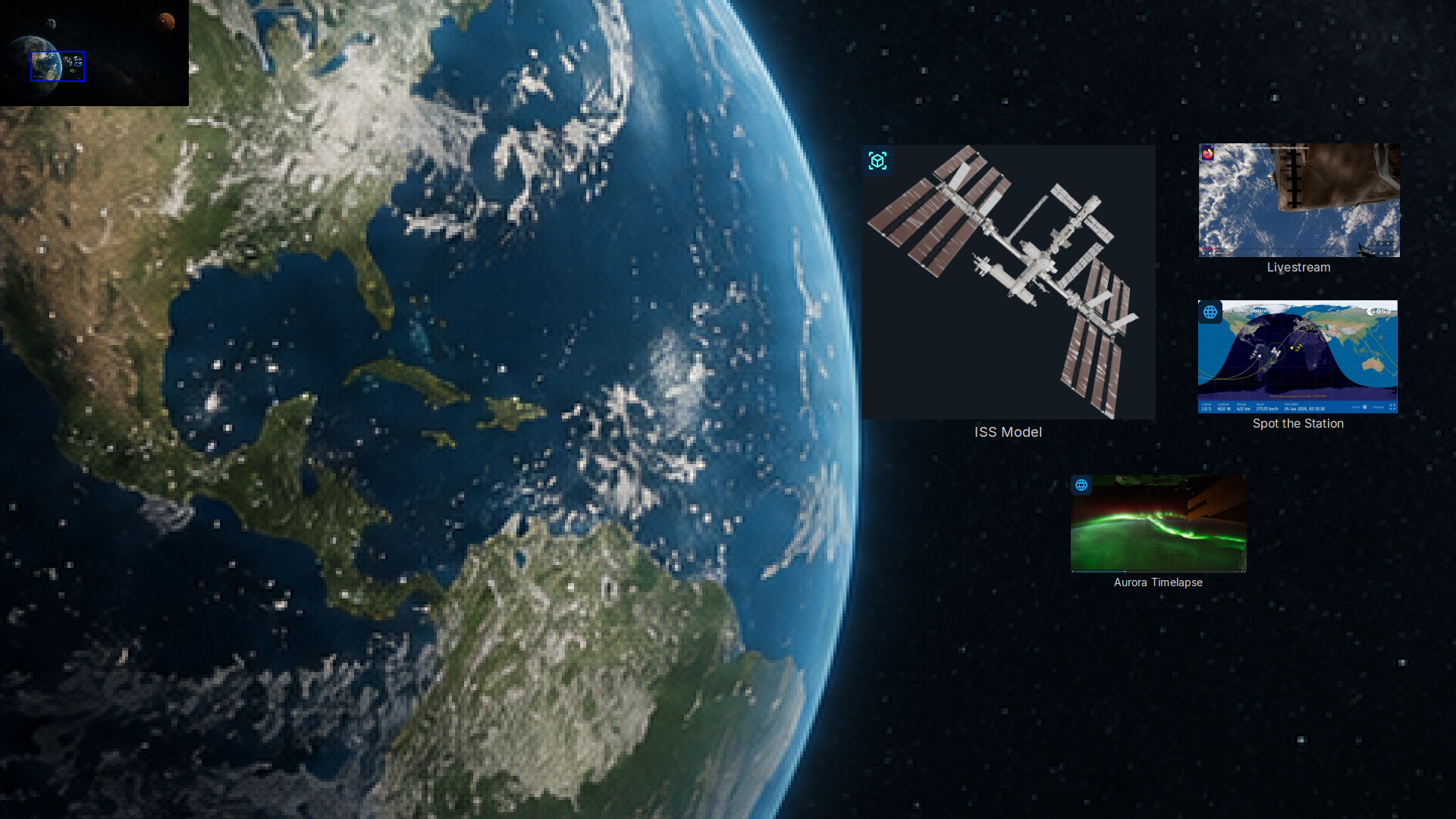
See It in Action
Watch how Knovis transforms a collection of files and links into a navigable, spatial knowledge environment.
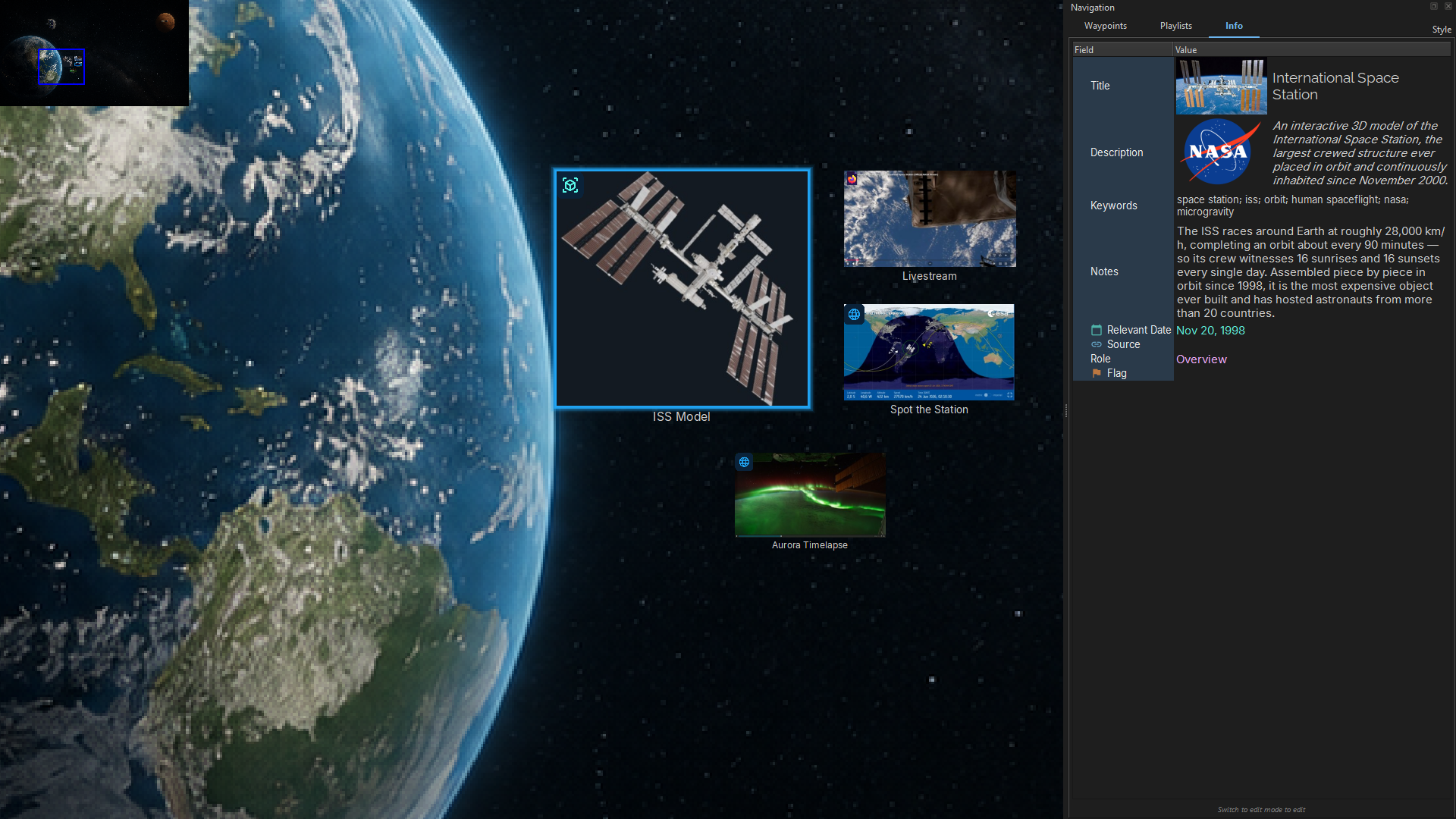
At the core are customizable items: resizable, taggable icons that can represent anything from notes, links, files, and apps to video bookmarks, PDF references, or web content. Each item supports searchable metadata and can exist in multiple contexts without duplication. Items aren't static. They can trigger actions, launch files, or play embedded media, even during presentations.
Everything You Need to Think Spatially
Knovis is built around one idea: your knowledge should live the way your brain works, connected, visual, and explorable.
Rich, Reusable Environments
Build modular canvases you can remix across contexts. An environment is a living space you return to, refine, and reuse.
Flexible, Functional Items
Items can be resized, styled, and assigned rich metadata, and they actually do things. Launch a file, jump to a video bookmark, open a PDF page, or trigger an action right from your canvas.
Built-In Searchability
Search across metadata, tags, and content, even across multiple environments. Searches can be saved as live filters that behave like items themselves, always surfacing the most relevant content.
Intuitive Navigation
Zoom and pan your canvas like a map, moving between different scales of detail. The interface stays minimal and gets out of your way so you can focus on what matters.
Presentation Without Slides
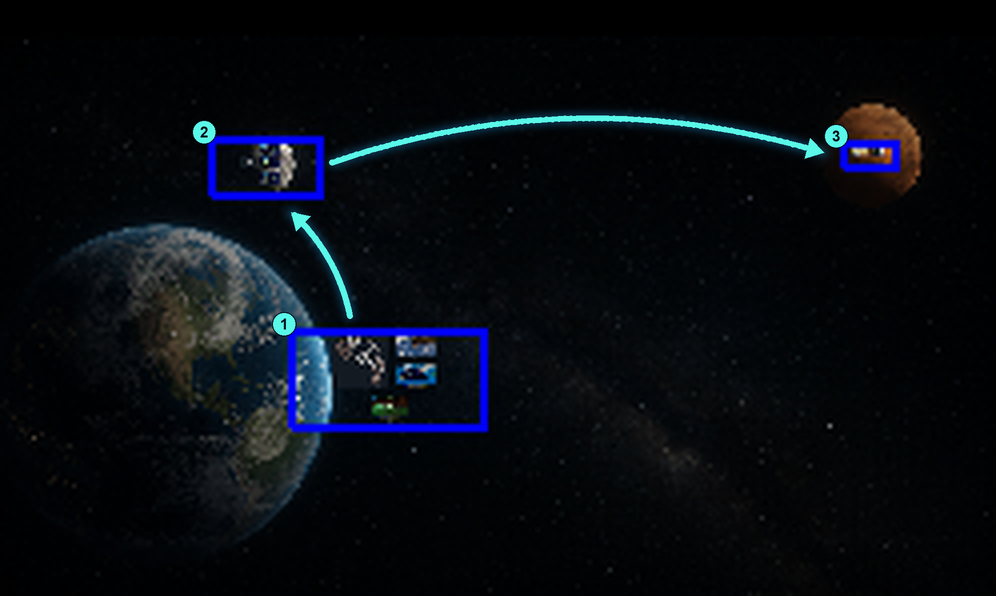
Set Waypoints (saved views of your canvas) and string them into Routes. These fly from view to view like a spatial slideshow, manually or on a timer, and can trigger media or file actions along the way.
Cross-Context Reusability
Items exist independently of the environments they appear in. Add the same item to a research hub and a lesson plan, update it once, and both stay current.
Your Canvas, in Motion
When you're ready to present or revisit your work, Waypoints let you save specific views of the canvas, including zoom level, position, and focus. String these into Routes, which act like dynamic slideshows that "fly" from one view to the next, either manually or automatically on a timer.
Each step can launch files, play media, or highlight key content, so your presentations feel immersive and interactive. You guide people through a real space rather than a stack of slides.
Who It's For
Knovis adapts to how you think.
Researchers & Knowledge Workers
Spatial, tag-based organization for ideas that don't fit in linear notes and folders. Surface connections across sources, tag them richly, and search them instantly.
Educators & Presenters
Break free from slide decks. Guide your audience through meaningful, interactive layouts that respond to the moment. Launch media, zoom to details, follow the conversation.
Planners & Creatives
An open space to connect diverse media, documents, and tools into a unified environment. Map a project, a trip, or a lesson, then walk through it spatially when it's time to execute.
Visual Thinkers
If your ideas resist folders and your notes resist linearity, Knovis is for you. Organize messily, think spatially, and build clarity out of complexity without forcing a structure that doesn't fit.
Start Organizing the Way You Think
Free to download. Available on Windows and Mac.